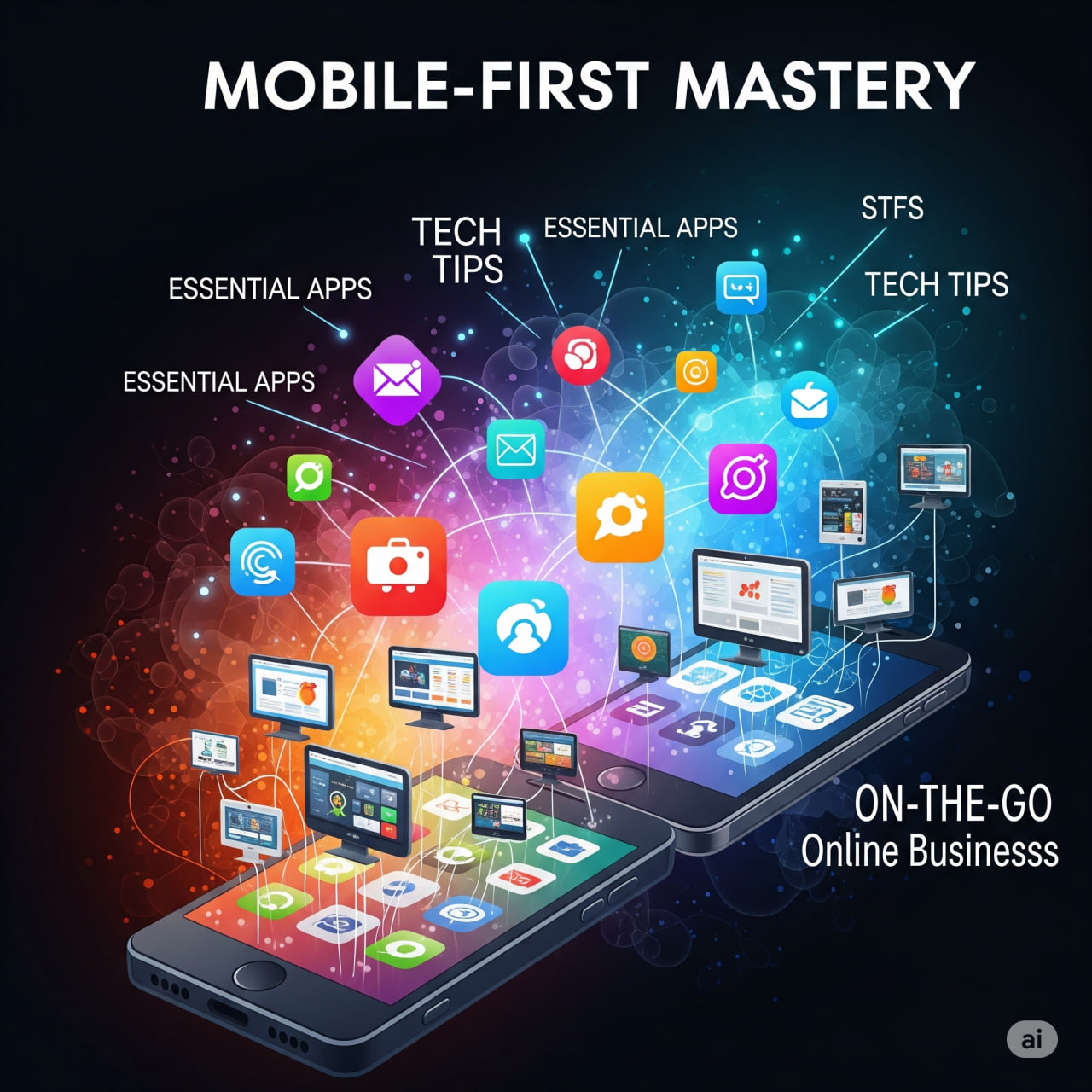
In 2025, a “mobile-first” approach isn’t just a best practice for online businesses – it’s a non-negotiable imperative. The majority of online traffic and purchases now originate from mobile devices. To truly master on-the-go operations, you need not only a mobile-optimized storefront but also a suite of apps and tech tips that allow you to manage your business effectively from your smartphone or tablet, whether you’re in Adama, Oromia, Ethiopia, or anywhere else in the world.
Mobile-First Mastery: Essential Apps & Tech Tips for On-the-Go Online Businesses
I. The Mobile-First Imperative for Your Storefront
Before diving into management apps, ensure your actual online store is built for mobile users first. This means:
- Responsive Design is a Minimum: Your website should automatically adjust its layout and content to fit any screen size (smartphones, tablets, desktops).
- Prioritize Speed: Mobile users have even less patience than desktop users. Aim for load times under 3 seconds. Optimize images (use WebP format), minify code, and leverage caching.
- Thumb-Friendly Navigation: Place crucial buttons, menus, and search bars in easy-to-reach areas (often the bottom-center of the screen). Use large, tappable buttons (at least 44×44 pixels).
- Simplified Checkout: Reduce form fields, offer guest checkout, enable autofill, and prominently display mobile payment options like Apple Pay, Google Pay, and local mobile money solutions. One-click payments are key.
- Optimized Product Pages: Design for vertical scrolling. Keep headlines short, descriptions concise, and high-quality visuals optimized for quick loading. Place price and “Add to Cart” prominently.
- Voice Search Optimization: As voice commerce grows, ensure your product descriptions and content are optimized for conversational queries.
- Progressive Web Apps (PWAs): Consider developing a PWA. These web applications look and feel like native apps, can be added to a user’s home screen, offer offline capabilities, and provide push notifications, all without requiring an app store download.
II. Essential Apps for On-the-Go Business Management
The following apps offer strong mobile versions, allowing you to manage critical aspects of your online business directly from your smartphone:
A. E-commerce Platform Management
- Shopify Mobile App:
- Why Essential: Widely regarded as one of the best for on-the-go e-commerce. You can process orders, view sales reports, manage inventory, update product listings, fulfill orders, and communicate with customers directly from your phone.
- On-the-Go Value: Receive real-time notifications for new orders, enabling instant action. Manage critical store operations from anywhere, crucial for agile businesses.
- WooCommerce Mobile App (for WordPress users):
- Why Essential: If your store runs on WordPress with WooCommerce, this app provides similar core functionalities to Shopify’s app – order management, sales tracking, product updates, and customer notifications.
- On-the-Go Value: Keeps WordPress-powered stores fully operational and manageable without needing a desktop.
- BigCommerce Mobile App:
- Why Essential: Offers robust mobile management for BigCommerce stores, including order fulfillment, product updates, and analytics tracking.
- On-the-Go Value: Provides a comprehensive overview and control for BigCommerce merchants.
B. Communication & Collaboration
- Slack / Microsoft Teams:
- Why Essential: For internal team communication. Their mobile apps are highly functional, allowing for real-time chat, file sharing, video calls, and integrations with other business tools.
- On-the-Go Value: Stay connected with your team, respond to urgent queries, and participate in project discussions no matter where you are.
- Zoom / Google Meet:
- Why Essential: For quick video calls with team members, suppliers, or even urgent customer consultations.
- On-the-Go Value: Conduct professional meetings from your phone, eliminating the need to be at a desk.
- Gmail / Outlook Mobile Apps:
- Why Essential: Core for all business email correspondence.
- On-the-Go Value: Manage customer inquiries, supplier communications, and administrative tasks efficiently.
C. Financial Management & Payments
- QuickBooks Online / Xero Mobile Apps:
- Why Essential: Track income and expenses, send invoices, reconcile transactions, and view financial reports directly from your phone. Many allow you to snap photos of receipts for easy expense tracking.
- On-the-Go Value: Keep a real-time pulse on your cash flow and financial health, even when away from the office.
- Square / PayPal Zettle (for in-person sales or pop-ups):
- Why Essential: If your online business also does pop-up shops, markets (like local craft markets in Addis Ababa or Adama), or direct sales, these apps turn your phone into a complete POS system.
- On-the-Go Value: Accept payments, manage inventory, and track sales data instantly, seamlessly integrating with your online records.
- Banking Apps:
- Why Essential: Your business’s bank app is crucial for checking balances, transferring funds, and monitoring transactions.
- On-the-Go Value: Immediate financial oversight and control.
D. Marketing & Social Media
- Canva Mobile App:
- Why Essential: Create professional-looking social media graphics, ad creatives, and marketing materials on the fly, even without design experience.
- On-the-Go Value: Quick content creation and iteration, allowing you to react to trends or create timely promotions.
- Social Media Management Apps (e.g., Buffer, Hootsuite, Meta Business Suite, TikTok Business):
- Why Essential: Schedule posts, monitor mentions, respond to comments, and analyze performance across all your social channels.
- On-the-Go Value: Maintain an active and responsive social media presence, crucial for engaging with your audience and driving traffic.
- Klaviyo / Mailchimp Mobile Apps (for email/SMS marketing):
- Why Essential: Monitor campaign performance, check audience growth, and even draft quick email/SMS blasts.
- On-the-Go Value: Keep an eye on your crucial direct marketing channels and react to customer behavior.
E. Project Management & Organization
- Notion / ClickUp / Trello / Asana Mobile Apps:
- Why Essential: Manage tasks, track project progress, assign duties to team members, and keep all your business ideas organized.
- On-the-Go Value: Stay organized, ensure deadlines are met, and collaborate effectively with your team, no matter your location.
- Google Drive / Dropbox Mobile Apps:
- Why Essential: Access, share, and collaborate on business documents, spreadsheets, and presentations from anywhere.
- On-the-Go Value: Ensures you always have access to critical files and can respond to urgent requests.
III. Essential Tech Tips for On-the-Go Mastery
- Reliable Mobile Internet: In Ethiopia, ensure you have a robust and consistent mobile data plan (Ethio Telecom, Safaricom Ethiopia) or access to reliable Wi-Fi. A stable connection is fundamental.
- Power Management: Carry a power bank or portable charger. Running out of battery is not an option when managing a business on the go.
- Strong Security:
- Multi-Factor Authentication (MFA): Enable MFA on all business apps.
- Strong Passwords & Password Manager: Use a password manager like LastPass or 1Password to create and store strong, unique passwords for every app.
- Secure Wi-Fi: Avoid conducting sensitive business transactions on public, unsecure Wi-Fi networks. Use a VPN if you must.
- Device Security: Keep your phone’s operating system updated, use a strong passcode/biometrics, and consider remote wipe capabilities in case of loss.
- Notifications Management: Customize app notifications to avoid being overwhelmed, but ensure you get critical alerts (e.g., new orders, support tickets).
- Offline Capabilities: For apps that offer it (like some project management or document editors), enable offline mode for continued productivity in areas with poor connectivity.
- Cloud Syncing: Ensure all your apps are configured to sync data to the cloud in real-time. This prevents data loss and ensures consistency across devices.
- Leverage Mobile Features:
- Camera: Use your phone’s camera for quick product photos, scanning documents, or recording short marketing videos.
- Voice Input: Utilize voice-to-text for quick notes, email drafts, or search queries, especially useful for hands-free operation.
- QR Codes: Generate and use QR codes for easy access to product pages, loyalty programs, or contact info.
- Regular Backups: While cloud syncing helps, also ensure you have a strategy for backing up your phone’s essential data.
By adopting a mobile-first philosophy for your storefront and equipping yourself with these essential apps and tech tips, you can effectively manage and scale your online business from anywhere, turning your smartphone into your true digital command center.
Leave a Reply